Names
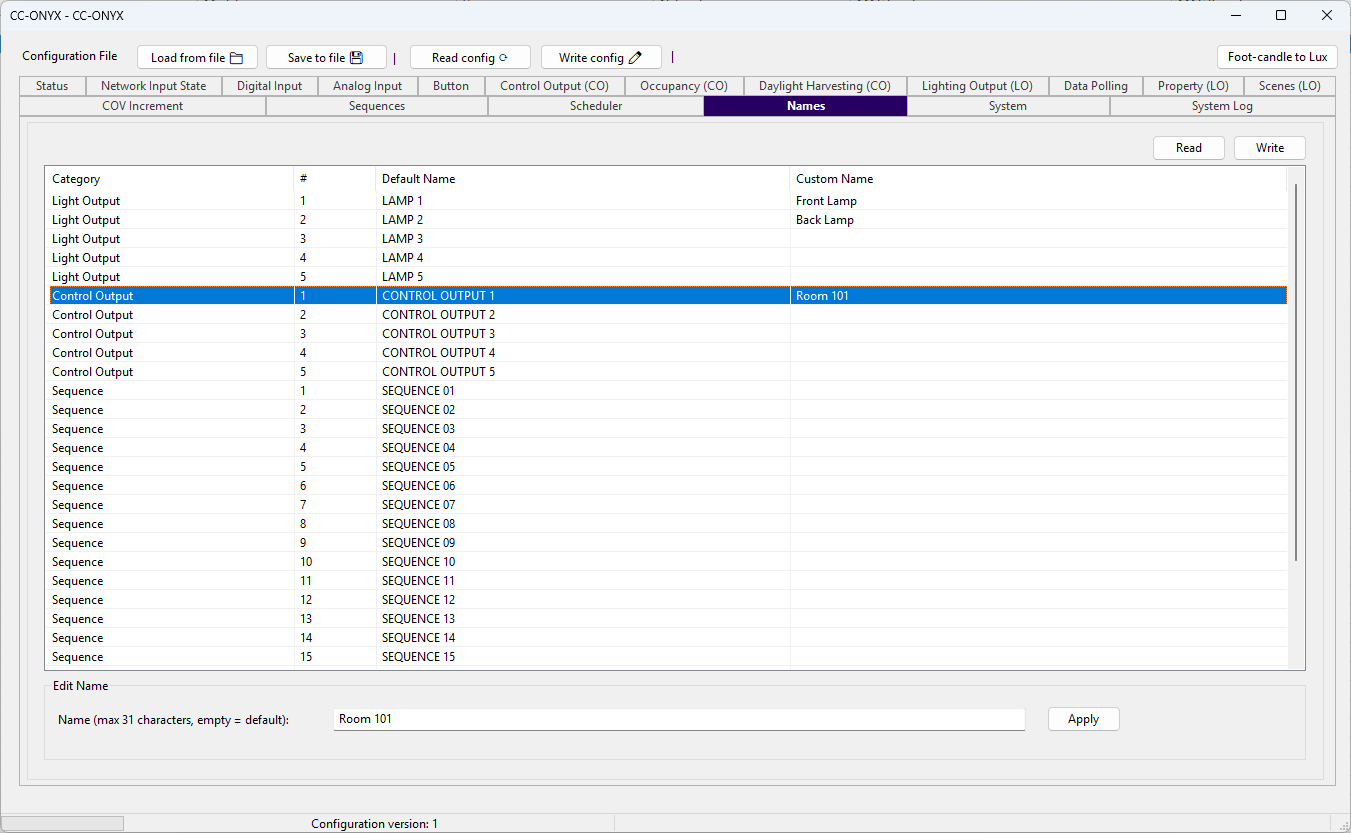
The Names tab assigns a custom display name to each light output, control output, sequence and schedule. These names are shared across the other tabs and objects, so a custom name entered here appears wherever the item is referenced. The list at the top shows every named item with its default and custom name. Select a row to edit it in the Edit Name panel below.
Names list
| Column | Description |
|---|---|
| Category | Type of the item: Light Output, Control Output, Sequence or Schedule. |
| # | Number of the item within its category, starting at 1. |
| Default Name | Default name used when no custom name is set. |
| Custom Name | Custom name assigned to the item. |
Edit Name
| Field | Description |
|---|---|
| Name | Custom name for the selected item, up to 31 characters. Leave the field empty to clear the custom name and fall back to the default name. |
Click Apply to store the edited name in the list. The change is written to the device when you use the Write button.