Generating reports
You can use the Jasper reporting tools to extract information from the SQLite database.
To extract information from the Jasper database, follow these steps.
-
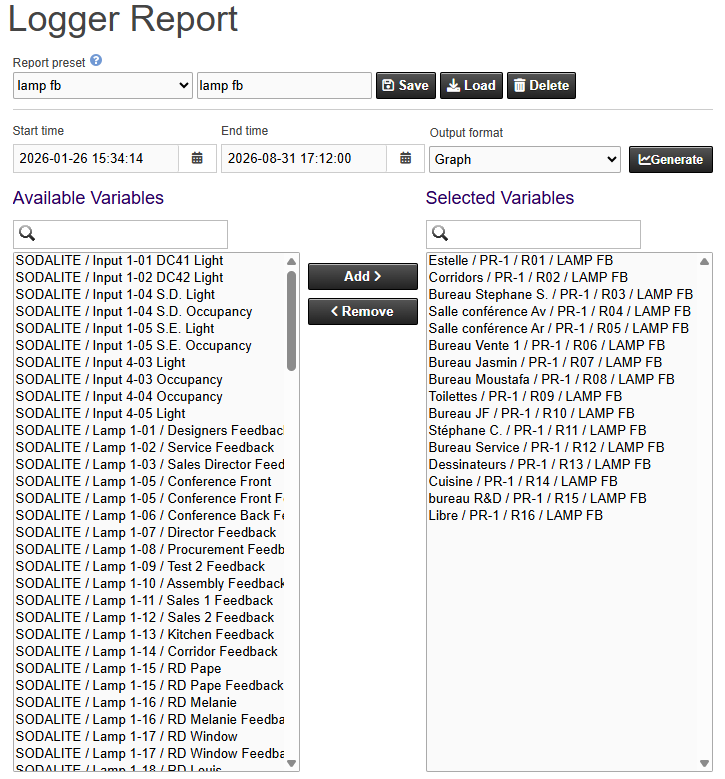
Open the Loggers menu and select Trending, then Reports. The report page appears.
-
In the Available Variables list on the left, find the variables you want to report on. Use the search box above the list to filter by name.
-
Select one or more variables and click Add (or double-click a variable) to move them into the Selected Variables list on the right. To take a variable out of the report, select it in the Selected Variables list and click Remove (or double-click it).
-
Set the Start time and the End time for the report.
Note: The more data you request in a report, the more time Jasper needs to generate the report. To speed up the report, set a shorter time interval.
-
Select the Output format. For more information, refer to Report formats.
-
Click Generate. The report appears on screen.
Report presets
You can save a variable selection, time range, and output format as a report preset so you can reuse it later.
- To save a preset, enter a name in the preset name field and click Save.
- To reuse a preset, select it in the preset list and click Load. The saved variables, time range, and output format are applied.
- To remove a preset, select it in the preset list and click Delete.
Report presets are stored in the browser you use to access Jasper. They remain available after you reload the page, but they can be removed if the browser cache or site data is cleared.
Report formats
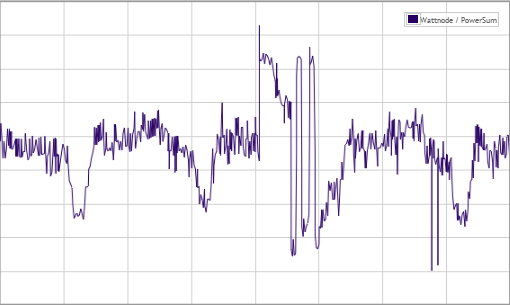
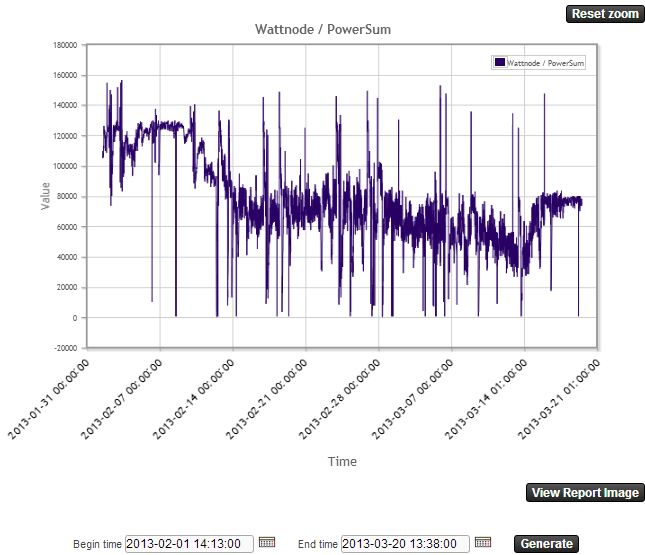
Graph
Shows a chart in your browser. In this format, you can:
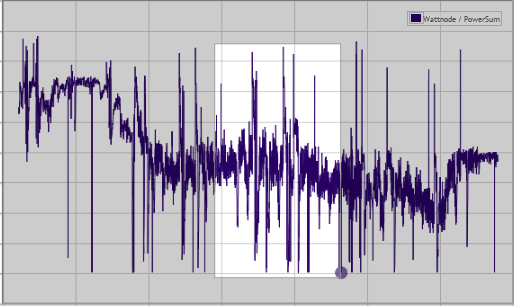
- Zoom into a specific region of the graphic using your mouse
- Change the time range without leaving the graph
- Hover over a curve to see a tooltip with the curve name, color, and value.
HTML
Renders as a table.
Text
Downloads an ASCII file on your computer. Values are separated by tab characters. File contents can be imported into a spreadsheet.
XML
Downloads an ASCII file on your computer. File contents can be imported into a spreadsheet.
Event
Shows data as events. It shows date and time, variable name and value. Every variable is displayed, regardless of the selection made from the list.
Sample Jasper reports